

Reference to Video — Make Video from Images
Upload reference images, write a prompt, and generate a reference to video clip that keeps that look.
© 2026 Seedream. All Rights Reserved. Disclaimer: Seedream is an independent AI platform and is not affiliated with, endorsed by, or sponsored by ByteDance.
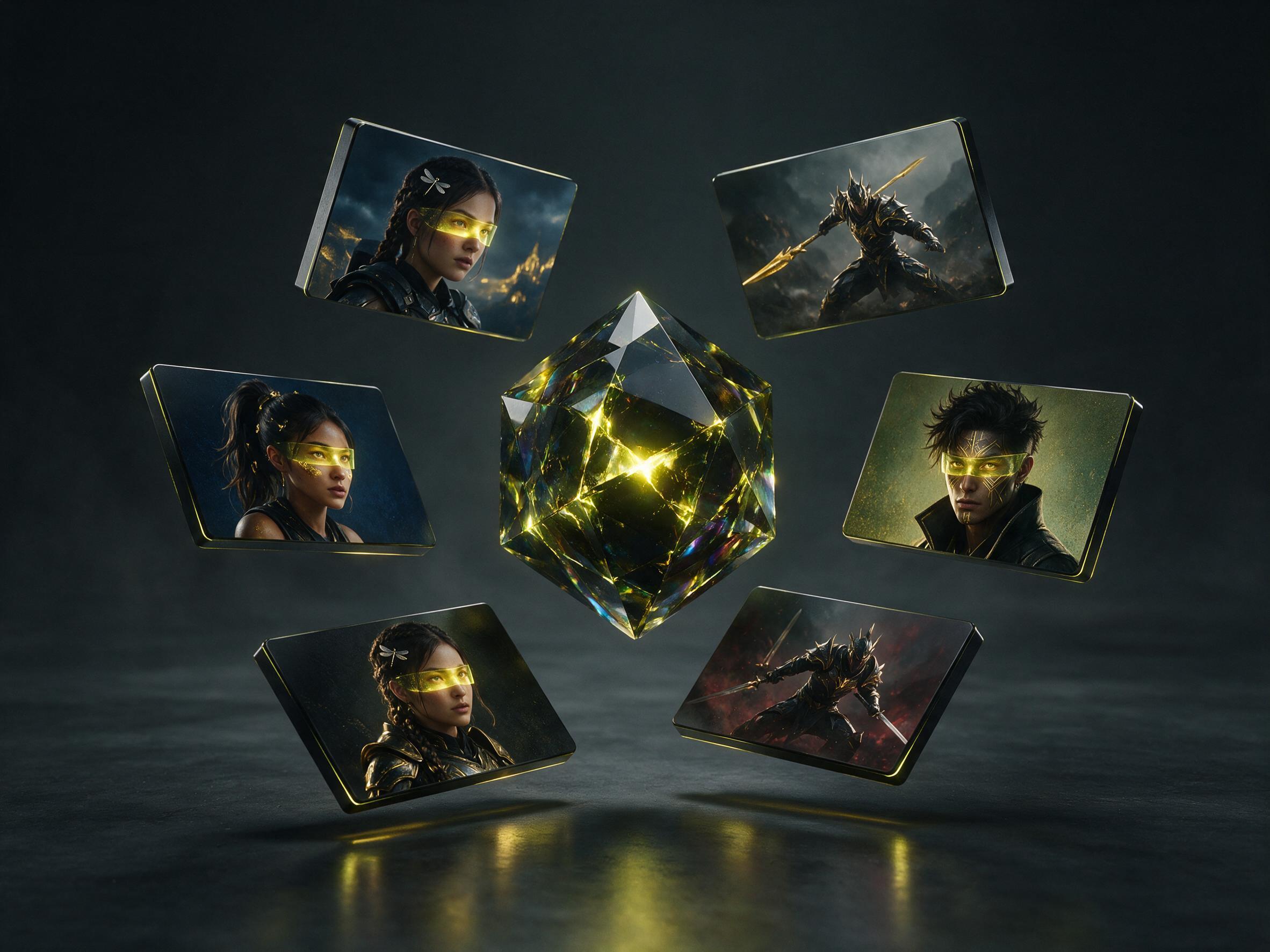
Lock a look with reference to video
The references are the subject. The prompt is the new scene and motion.
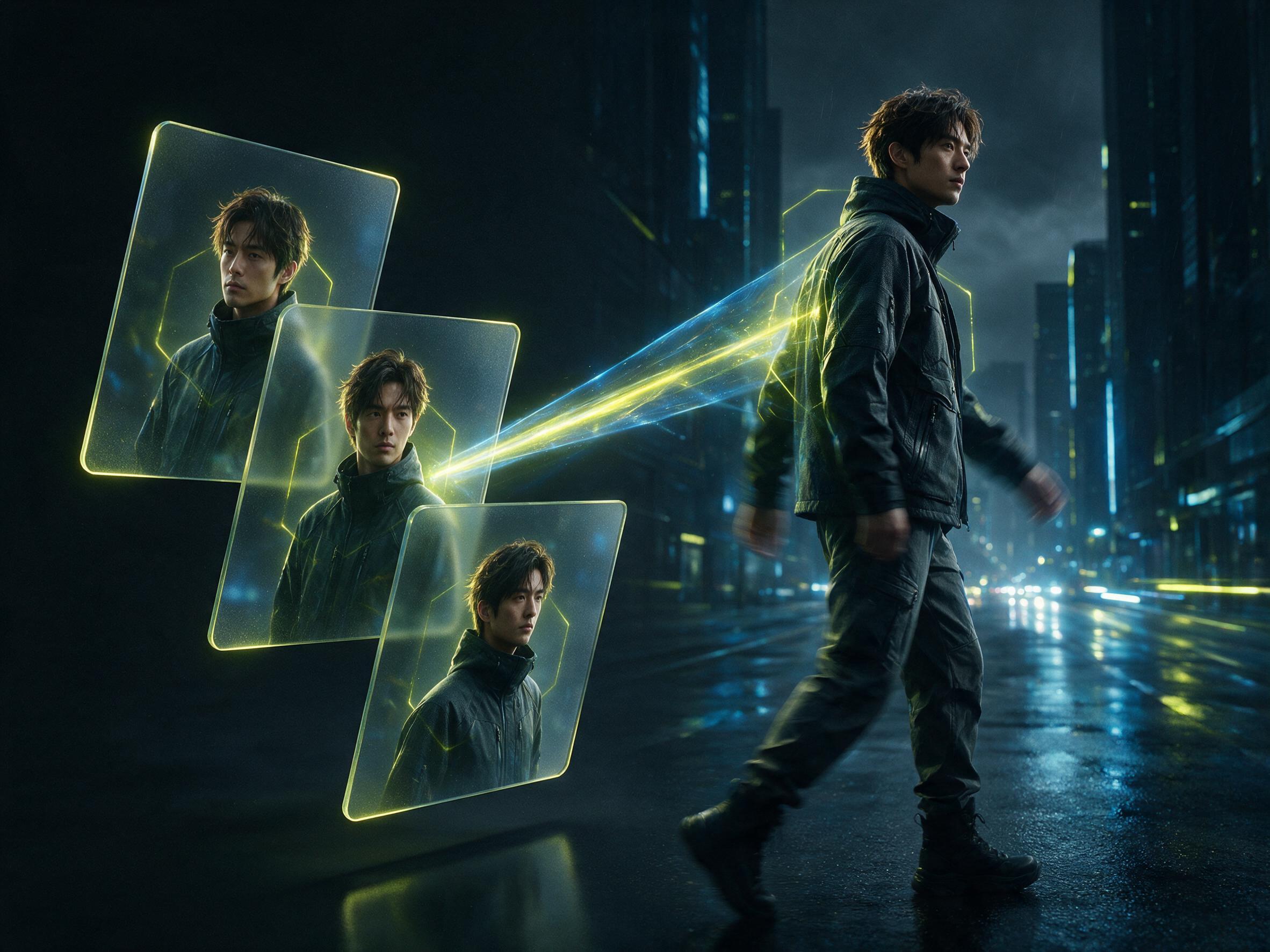
Reference images
Veo 3.1, the default, accepts 1-3 reference images. Use clear shots of the person, product, or style you want to keep.
Wan 2.7 extra
Wan 2.7 can take images or clips. Use it when you also have a short reference video.
Prompt the new scene
Write what should happen. The model should keep the uploaded look while it builds new motion.
Character consistent video
This job is for identity and style lock, not for animating one photo as a first frame.
Length and size
Duration and resolution depend on the selected model, including 720p and 1080p. Options show before you generate.
Credits before you run
Required credits are shown before generate. The charge depends on the model, length, and size.
How a referenced clip is made
Three steps from references to a new clip.
Use images or clips as the subject
Upload the look you want to keep. On Veo 3.1, use 1-3 images. On Wan 2.7, images or videos can be added.
Prompt around the references
Describe the new action, place, and camera. Do not restate the whole face if the upload already holds it.
Generate the clip
Pick the model, set length and size, then generate when the credit cost looks right.
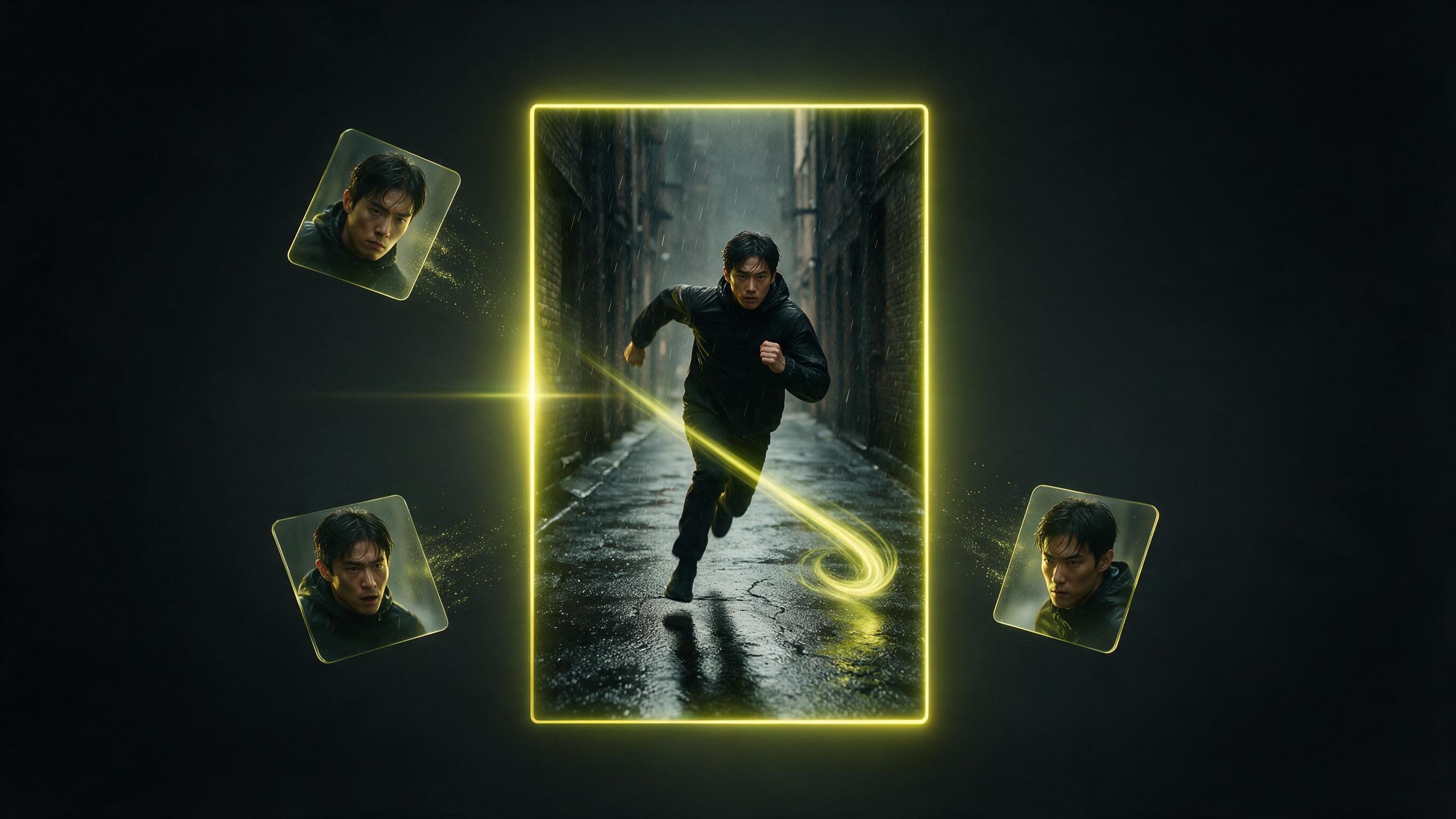
When this reference job is the right job
New motion, same uploaded look.

Brand characters
Keep a mascot or spokesperson look in a new scene.
Series continuity
Reuse the same face or outfit across more than one clip.

Product identity
Hold a pack shot look while the scene around it changes.
Style lock
Carry an art style from stills into a short moving scene.
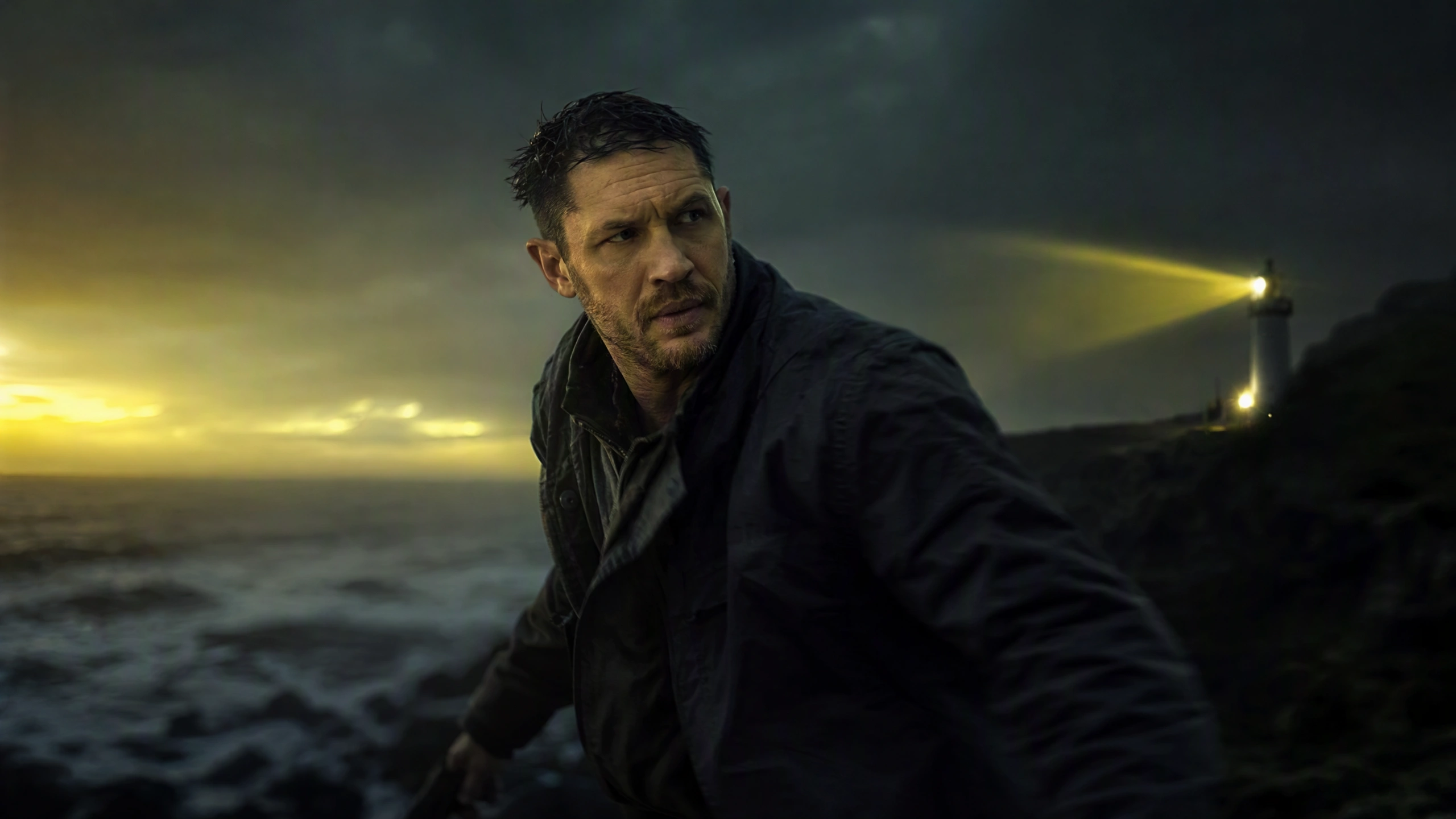
Cast tests
Try a performer look in a new location without a reshoot.
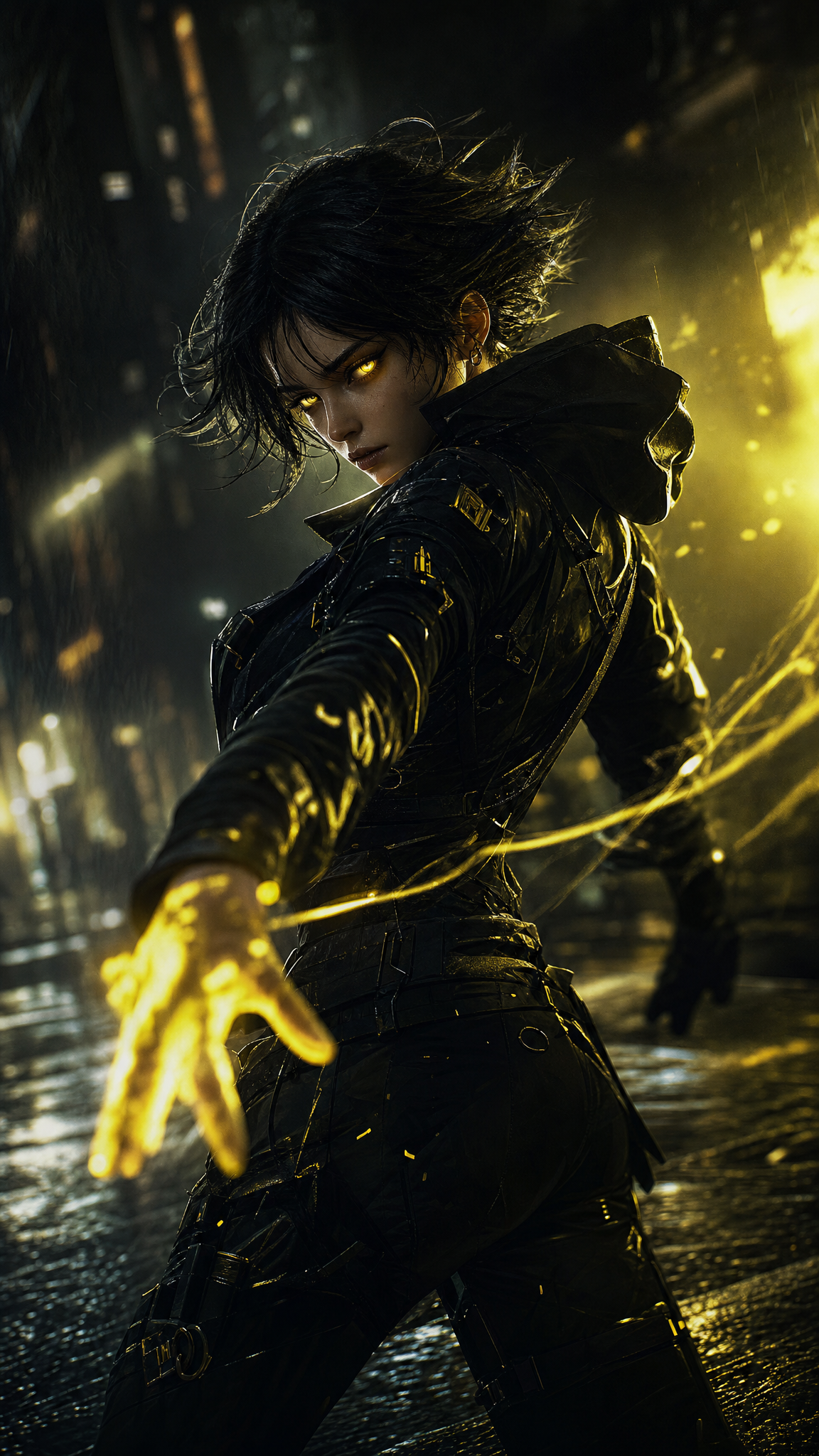
Social variants
Make a new clip that still matches the approved references.
Prompt around the references
Let the uploads hold identity. Use writing for motion and place.
Use clear references
Front-facing, well-lit files help the model keep a look. Mixed lighting across files makes identity harder.
Keep the set small
Veo 3.1 uses 1-3 images. Extra files that fight each other make a weaker clip.
Say the action, not a new face
Write what happens next. If you describe a different person, the model may leave the reference.
Use Wan when you have a clip
Switch to Wan 2.7 when a short reference video matters. Veo 3.1 on this page is image-first.
Match ratio to the output
Pick 16:9 or 9:16 from the options the model allows before you generate.
Do not treat this as Seedream 5.0 edit
This page makes a clip. Still-image edits stay on the image editor page.
Who this page is for
People who need character consistent video from uploads.
Brand teams
Keep an approved look in a new moving scene.
Animators
Hold a character while you try a new action.
Producers
Test a cast look in another setting.
Social agencies
Make variants that still match the same references.
Game teams
Keep a character sheet look in a short cinematic pass.
Directors
Explore a scene while the subject stays recognizable.
Use images or clips as the subject
This page is identity first. A prompt-only page is invention first.
You have a look to keep
If the face, product, or style already exists as files, start here.
See the cost first
Credits are shown before generate. Model and length change the charge.
Keep the job off image to video
Image to video animates one still as the start frame. This page builds a new clip around references.
Keep Seedream 5.0 on stills
The title brand is Seedream 5.0. The video model is Veo 3.1 or Wan 2.7.
Reference-clip questions
How this reference-clip page works on Seedream 5.0.
What is reference to video on this page?
Here you upload a look, write a prompt, and get a new clip that should keep that look. The page defaults to Veo 3.1. Seedream 5.0 is the site brand, not the video model.
How many reference images can I use?
Veo 3.1 accepts 1-3 reference images. Wan 2.7 can use images or videos. Follow the live form for the selected model.
Does Seedream 5.0 make this clip?
No. Seedream 5.0 is for stills. This URL uses Veo 3.1 or Wan 2.7.
How is this different from image to video?
Image to video animates one photo as the first frame. This page uses uploads to keep identity or style in a new scene.
Can I upload a reference video?
On Wan 2.7, yes. Veo 3.1 on this page is built around still uploads, not video uploads.
How many credits does a run cost?
Required credits are shown before generate on Seedream 5.0. The charge depends on the model, length, and size.
What sizes are available?
720p and 1080p are available on supported models. Seedream 5.0 lists only the selected model’s options in the form.
How do I keep a look?
Use consistent, well-lit uploads and write the new action around them. That is the point of a locked look here.